Steps for running hybridobject server on Raspberry pi
NOTE : It will be better to update your raspberry pi before beginning the process
                  # sudo apt-get update
                  # sudo apt-get upgrade
Requirements :
1. Raspberrry pi ( server should work on any model , please report if any issues)
2. internet connection on the pi ( to use the vuforia portal ) , you can use a wifi adapter or directly connecct via LAN cable
3  iOS 7 or above device for reality editor
Steps :
1 .install nodejs on raspberry pi -->
// Getting the nodejs 4.0.0
tar -xvf node-v4.0.0-linux-armv6l.tar.gz
cd node-v4.0.0-linux-armv6l
sudo cp -R * /usr/local/
// updating it with node-arm files needed
sudo dpkg -i node_latest_armhf.deb
2 download the object folder from --> https://github.com/openhybrid/object 1 as zip
OR you can also clone it to your pi directly using git clone
3 extract the zip file if you downloaded zip
4 go to the object folder from terminal
5 type npm install to install all required dependencies
6 after all dependencies are installed do node server.js or nodejs server,js to start the server
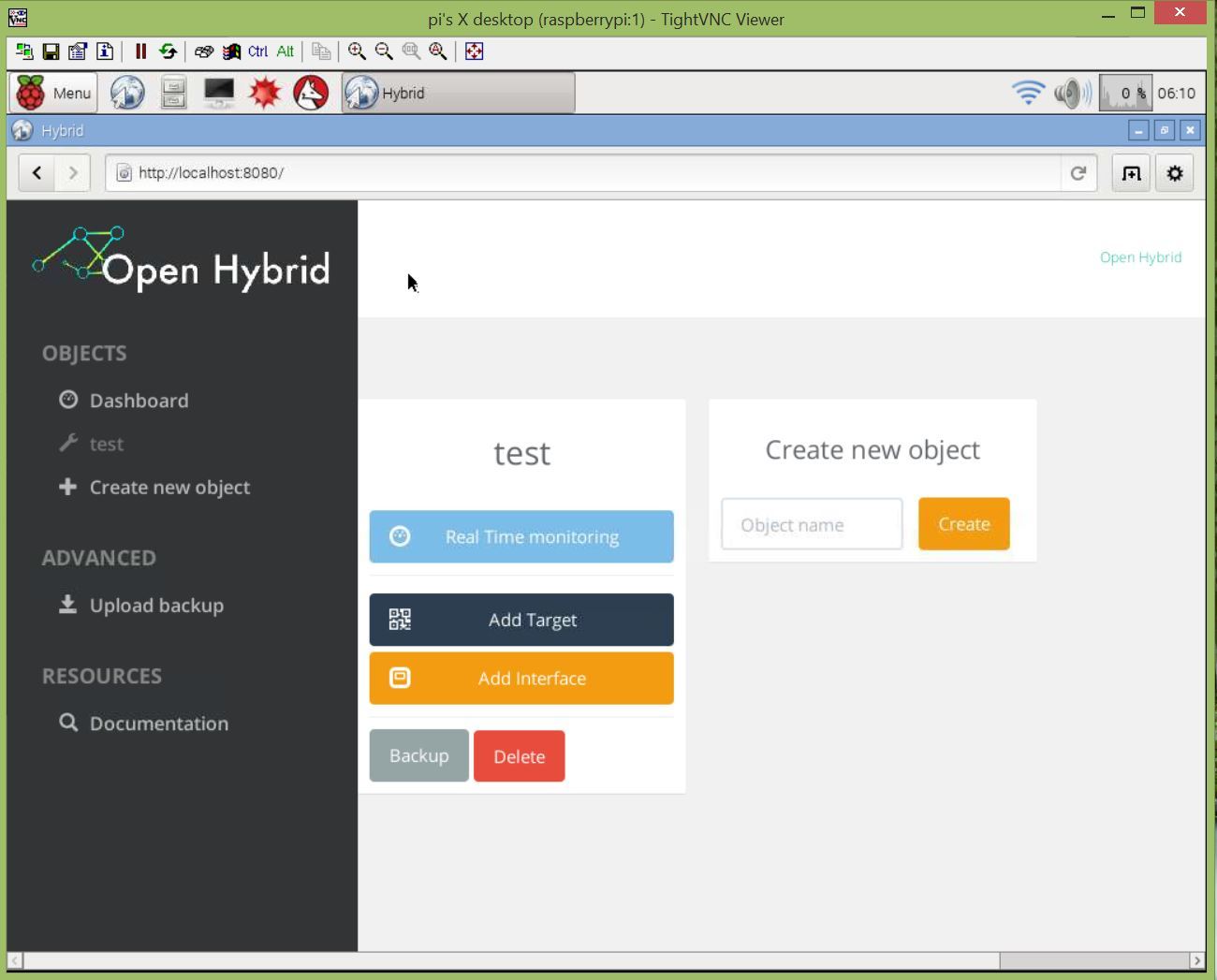
7 go to http://localhost:8080 2 from the PI’s browser , to access the hybrid-object interface
8 add objects and AR interfaces as given in http://openhybrid.org/first-steps.html 6
9 install reality editor on iOS device and connect to same network as the pi


 Dec '15



 We should definetly write some sort of introduction which explains those facts and include some links to philips Hue resources like