This forum is a read-only archive. Posting, accounts and search are no longer available.
1 / 10
Dec 2015

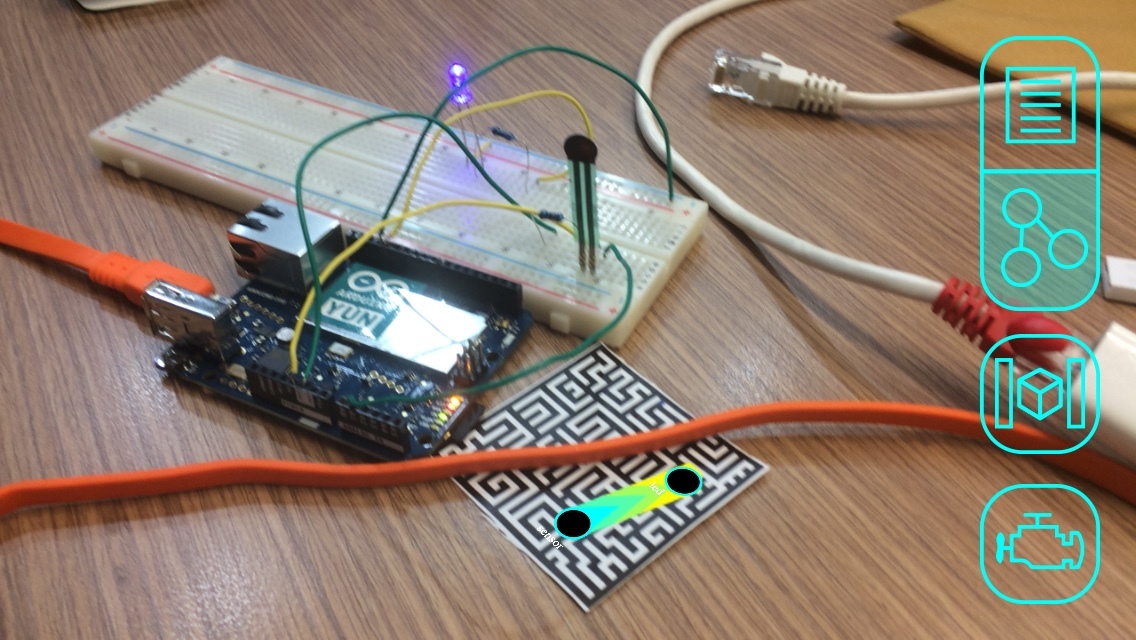
I/O points not showing up on reality editor

continuing from here → New Reality Editor Version 1.5.7 - #13

@ivanlin try changing the name of your HybridObject to “slider” , the obj.add(“slider”, “led”); adds a I/O point named led to the object called slider so if your object has a different name then the I/O points wont be added ,
i think you have named your HybridObject differently ,
try creating a HybridObject with name as slider and try again :smile:

you can see here for some clarity → http://openhybrid.org/reference.html 2

Hi, @V_Mohammed_Ibrahim,

Do I need to align all the file name to ‘slider’? like, slider.jpg, slider.zip (downloaded from Vuforia), the database name of Vuforia and the target name in the database folder of Vuforia?

no , @ivanlin you only need to change the name of your HybridObect
what did you name your object when you used the “create new object” ?
i believe you have named your object as target so check is this works obj.add(“target”, “led”);

4 months later

Hi,@V_Mohammed_Ibrahim I am a beginner,have read the introduction on websitehttp://www.openhybrid.org/desktop—laptop-computer.html.But I still don’t konw how to install Open Hybrid Server in my windows laptop.Cn you help me?

Hi , welcome to the forum :slightly_smiling:

To get the server working in windows :

  1. Install nodejs (32 bit or 64 bit)

     Windows 32-bit Installer:  https://nodejs.org/dist/v0.12.9/node-v0.12.9-x86.msi
     Windows 64-bit Installer:  https://nodejs.org/dist/v0.12.9/x64/node-v0.12.9-x64.msi   
    
  2. confirm that your nodejs install is working
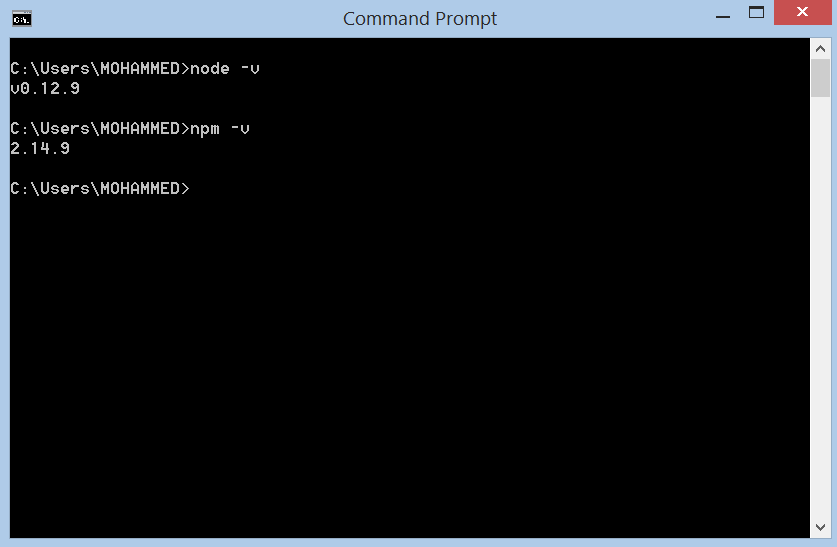
    type “node -v” or “nodejs -v” in the terminal it should return the version on installed node
    type "npm -v " next it should return the version of npm

  3. if the above steps went well , then go to Desktop & Laptop Computer 2 and do steps 1 - 5 and it should work

Hope this helps , do ask if you need any help

Thank u!

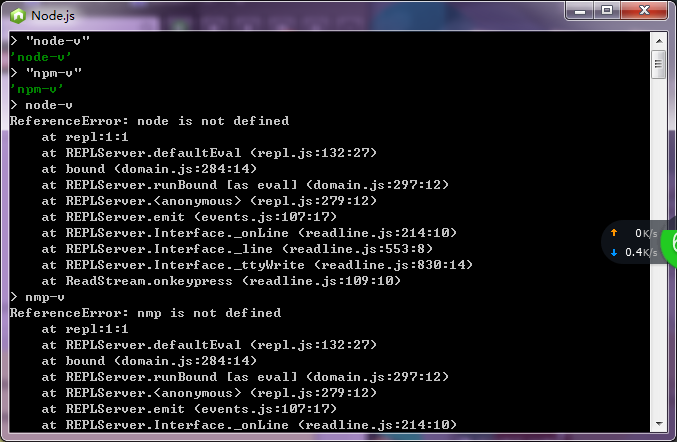
I don’t know if the result is right,
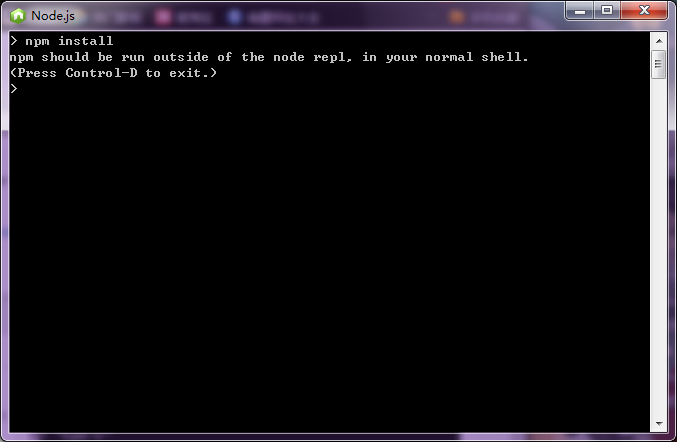
And the next step:

:sob: